📈
OTDR Trace Analysis
Snap a photo of your OTDR screen. AI identifies splices, connectors, bends, and breaks — with loss values and plain-English recommendations.
🔁
Bidirectional Testing
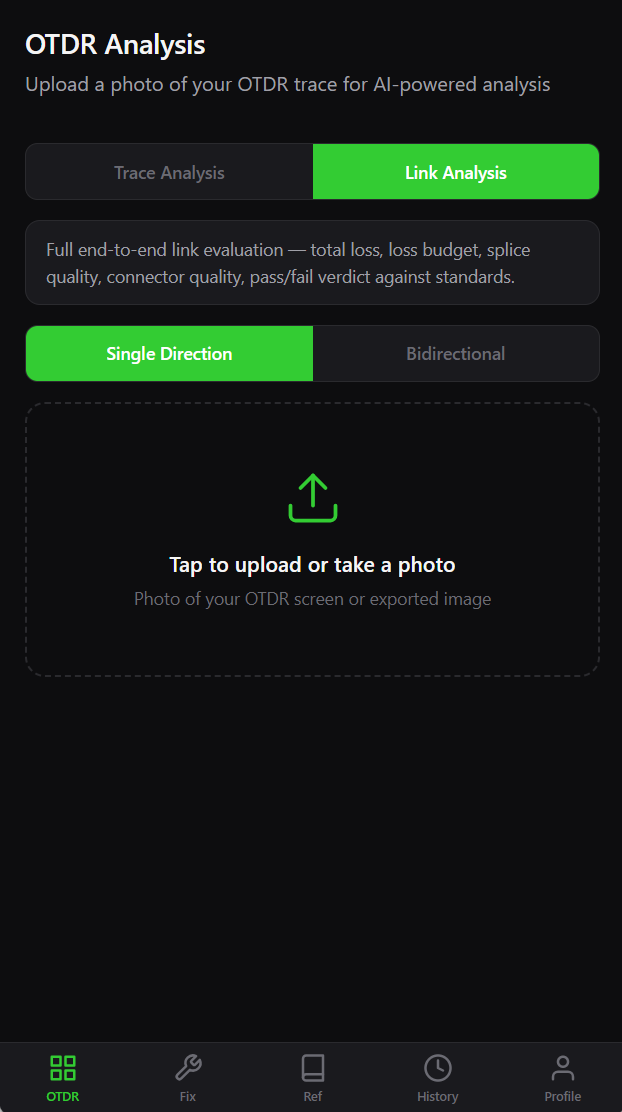
Upload forward and reverse traces together. The AI averages both directions to catch gainers, MFD mismatches, and one-way artifacts a single trace can hide.
📊
Full Link Analysis
End-to-end link assessment with loss budgets, splice quality grades, connector checks, and pass/fail verdicts against industry standards.
🔧
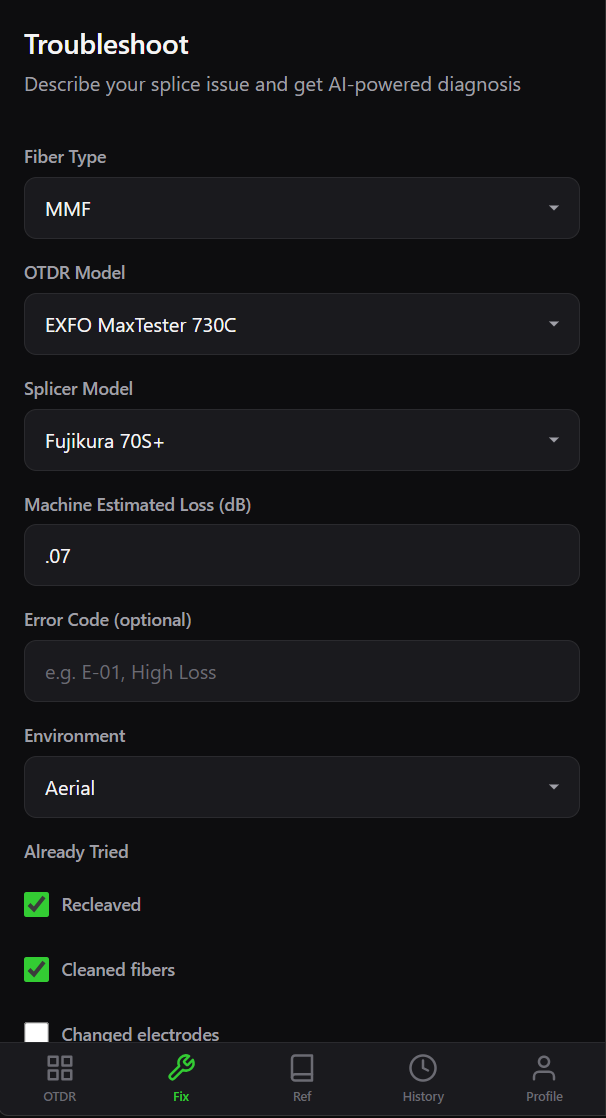
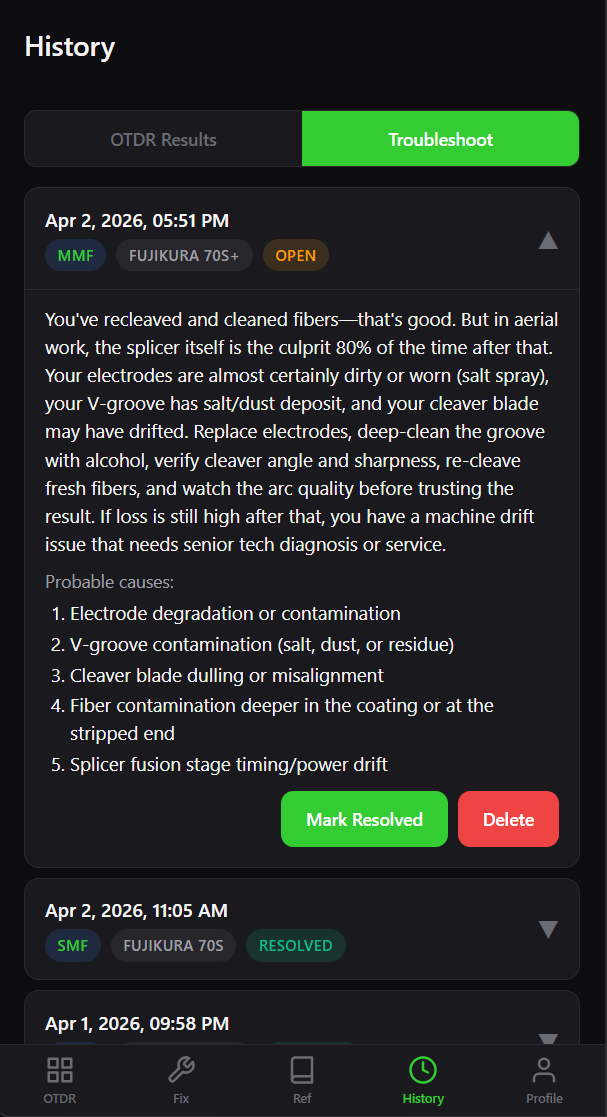
Splice Troubleshooting
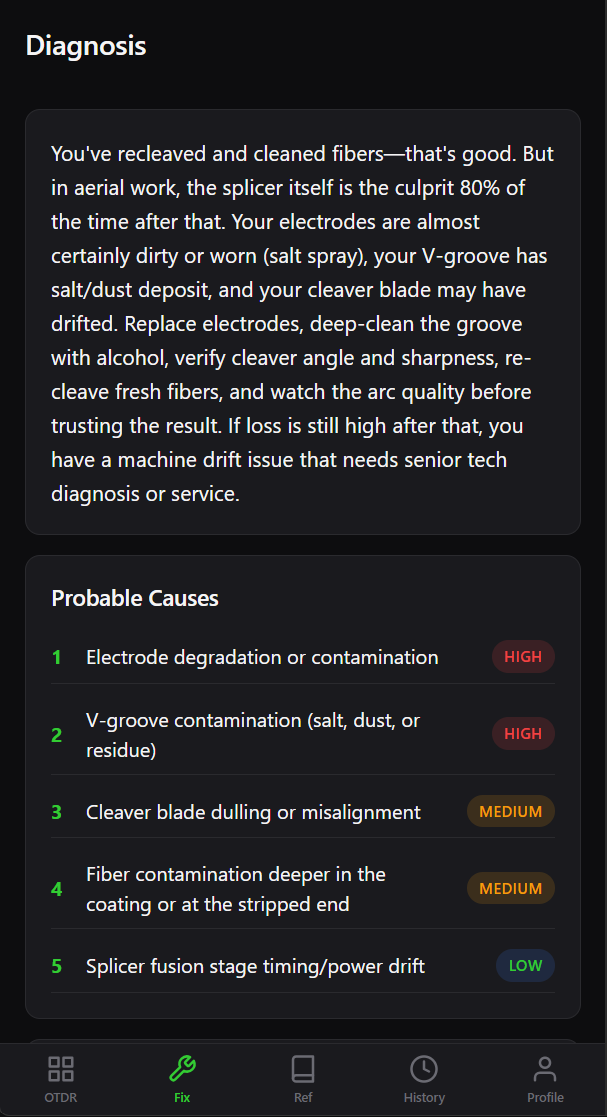
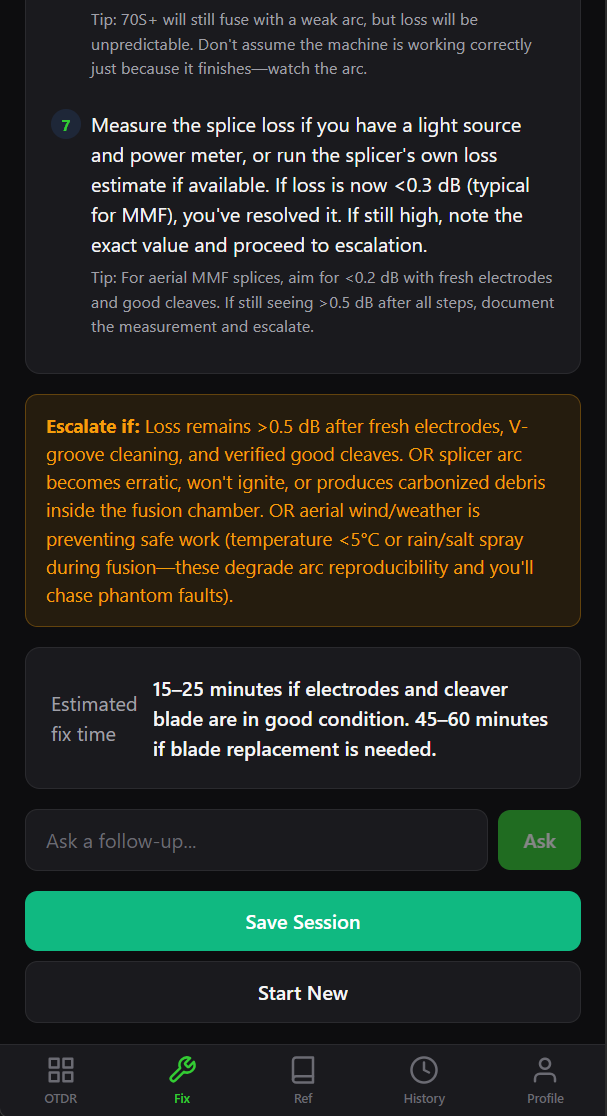
Describe the problem — fiber type, splicer model, error code. Get ranked probable causes, step-by-step fixes, and follow-up Q&A in the same session.
📚
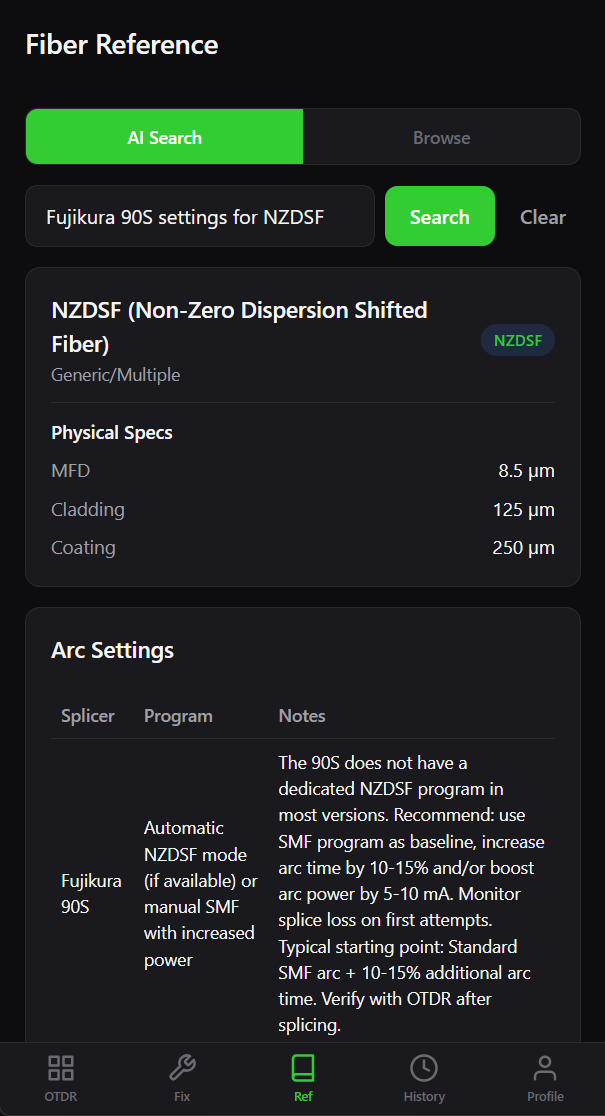
Fiber Reference Database
Look up any fiber spec, arc settings, and compatibility info. The database grows with every query — if it's not there, AI fills the gap and saves it.
🧮
Loss Budget Calculator
Plug in your link components — splices, connectors, distance, fiber type — and get your total loss budget instantly. No spreadsheets, no math.
🌈
Fiber Color Code Chart
The full TIA-598 color code reference, on your phone. Tube and strand positions for any 12-, 24-, 144-, or 432-fiber count cable.
📝
Notes on Every Entry
Tag every OTDR result and troubleshoot session with a custom title and notes. Site name, splice count, vault location — whatever you need, attached to the exact job.
📥
History & Tracking
Every analysis, troubleshoot session, and note is saved. Review past results, mark issues resolved, and build a record of your work over time.